
Ages 5–15 · Thao Dien
The Maker Pathway
From a first circuit to a finished invention.
Students work with wood, cardboard and real hand tools, wire components by hand where every connection is visible, and write the code that drives them. Over four levels they go from their first blinking LED to machines that see.
Build, Invent, Create
Empowering young makers to turn ideas into real-world projects


Real materials, real electronics, real problems
Most technology classes hand children a kit that snaps together and does the thinking for them. We don’t work that way. Our students cut and shape cardboard and wood, wire circuits on a breadboard where every connection is visible, and write code that runs on the same hardware used by makers and engineers.
When something doesn’t work—and it often doesn’t—they’re the ones who figure out why. Grit, problem-solving and design thinking aren’t extras we bolt on at the end of term—they’re what the building is for.
12-week terms · 90-minute lessons · Maximum 8 students
Young Maker
Ages 5–7No experience required.
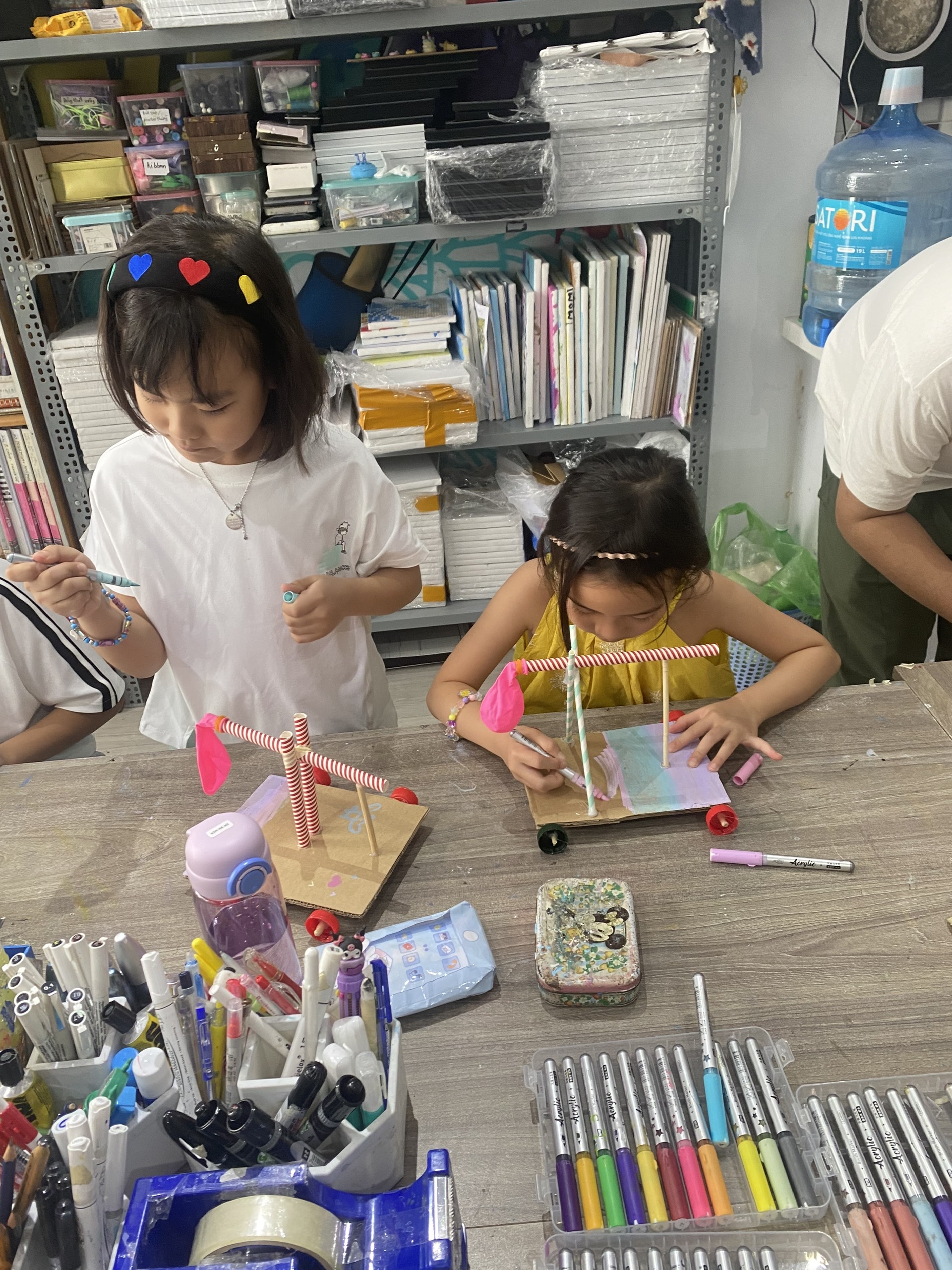
A hands-on introduction to making, built for how young children actually learn. Students explore conduction with the Makey Makey, turning bananas and tinfoil into working buttons. They build simple circuits that light up, wiring LEDs by hand. They construct with real materials and real tools, discovering how structures hold together and why they fall down, and experiment with magnets, motion and simple machines. Along the way they meet the Micro:bit and take their first steps into coding.
Four 12-week terms, taken in order, each building on the last.
Children arrive at their first Maker class at eight already knowing their way around a workbench—and already used to a build not working the first time.
Beginner
Ages 8–15No experience required.
Students begin with the BBC Micro:bit and Microsoft MakeCode, learning electricity, programming and physical computing through hands-on projects. Across four terms they progress from simple circuits to sensors, motors, 3D design and mechanical systems, building the skills needed for more advanced electronics later.
Children finish this level willing to tackle problems they haven’t solved before—and confident enough to keep going when the first attempt doesn’t work.
Class 1
Intro to Making & Coding
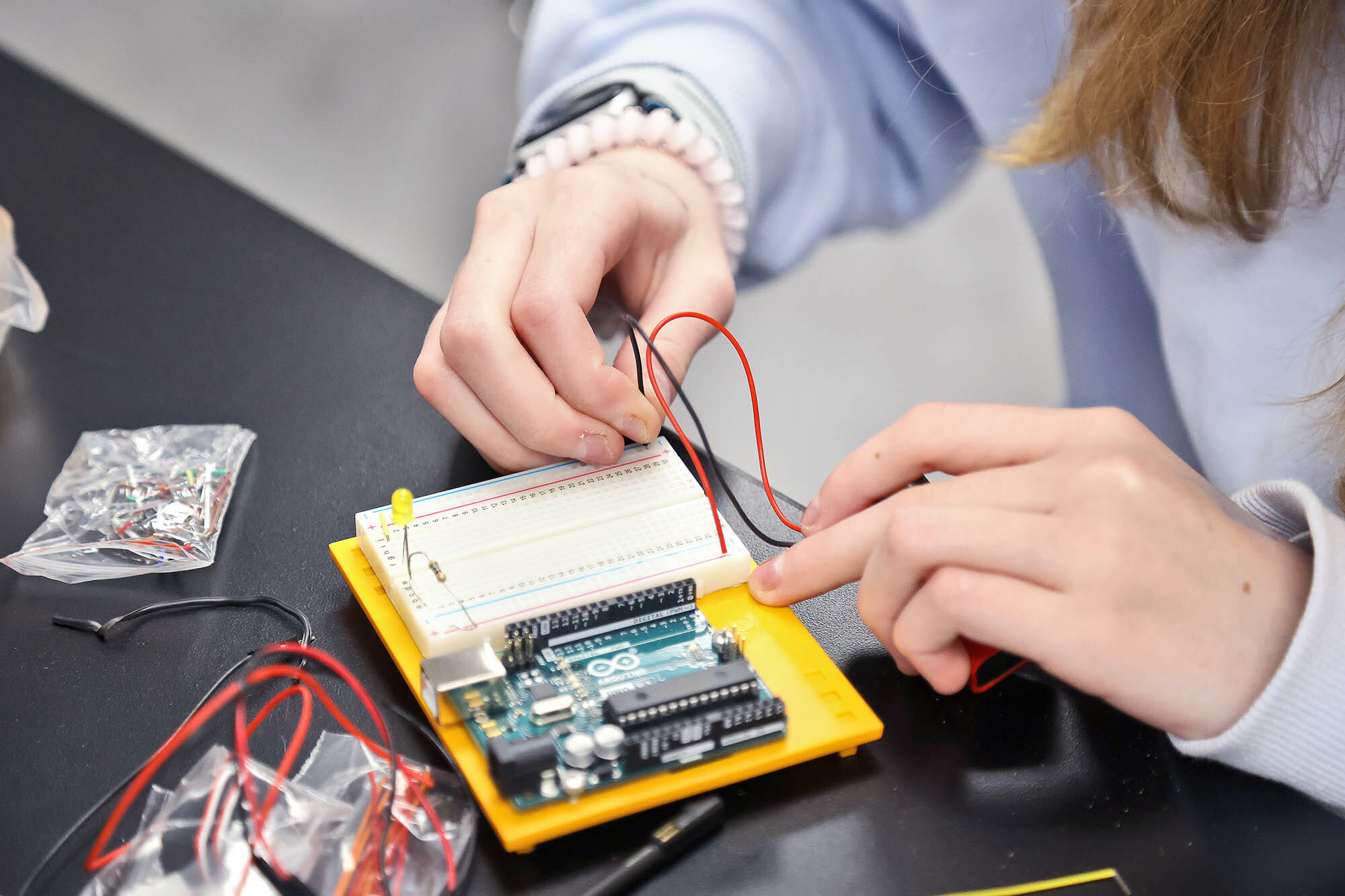
Learn the foundations of electronics with the BBC Micro:bit, Microsoft MakeCode and solderless breadboards. Students build circuits using LEDs and switches while learning how to debug problems instead of guessing.
Class 2
Gadget Makers
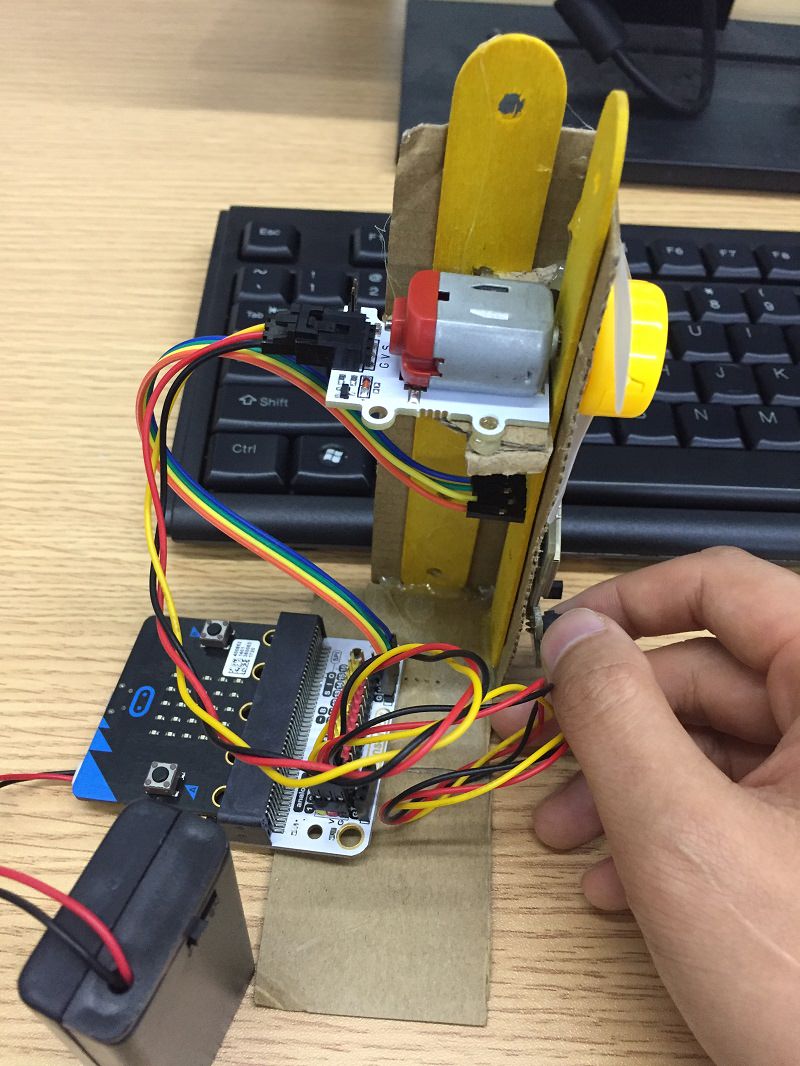
Projects begin reacting to the world. Working across a breadboard and Micro:bit extension board, students wire up light sensors, ultrasonic sensors, buzzers, motors and servos, while learning simple mechanisms and developing woodworking skills to build stronger, more permanent creations.
Class 3
3D Printing Engineer
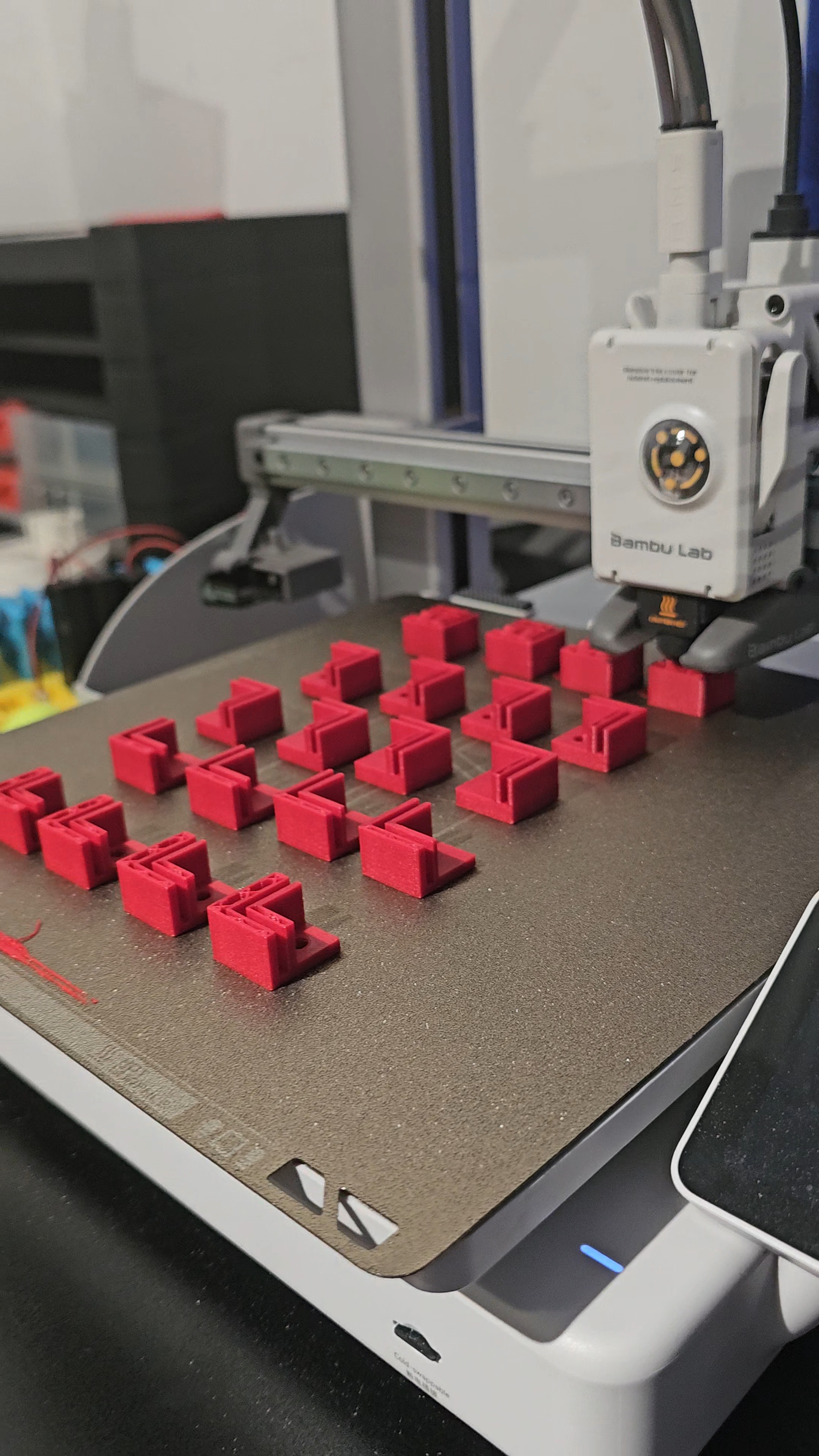
Students learn CAD in Tinkercad before designing functional parts for their own inventions, driving them with a motor driver board for real power and control. They discover that engineering doesn’t end when something prints—it ends when the part fits, works and survives being used.
Class 4
Mechanical Mechanisms
Students explore gears, cams, linkages, bearings and power transmission while designing machines that convert rotation into useful work. It’s the groundwork every robot depends on: drivetrains, grippers and lifting arms are all mechanical problems before they’re coding ones.
Intermediate
Ages 9–15Prerequisite: Beginner or equivalent experience.
This is where block programming gives way to real code. Students move from Microsoft MakeCode into JavaScript before transitioning to Arduino and C++, learning one new concept at a time while working with increasingly capable hardware.
Students stop asking what to build next and start making engineering decisions for themselves—planning, testing, refining and documenting their work.
Class 1
Beyond Blocks
Students transition from blocks to JavaScript by rebuilding familiar Micro:bit projects in text-based code. Because the hardware is already familiar, they can focus entirely on learning programming syntax and structure.
Class 2
Arduino Engineer
Students step up to Arduino and C++, building every circuit from individual components. LCD displays, sensors, transistors, relays and custom wiring replace the all-in-one Micro:bit—students stop using a board and start designing one.
Class 3
Game Builders
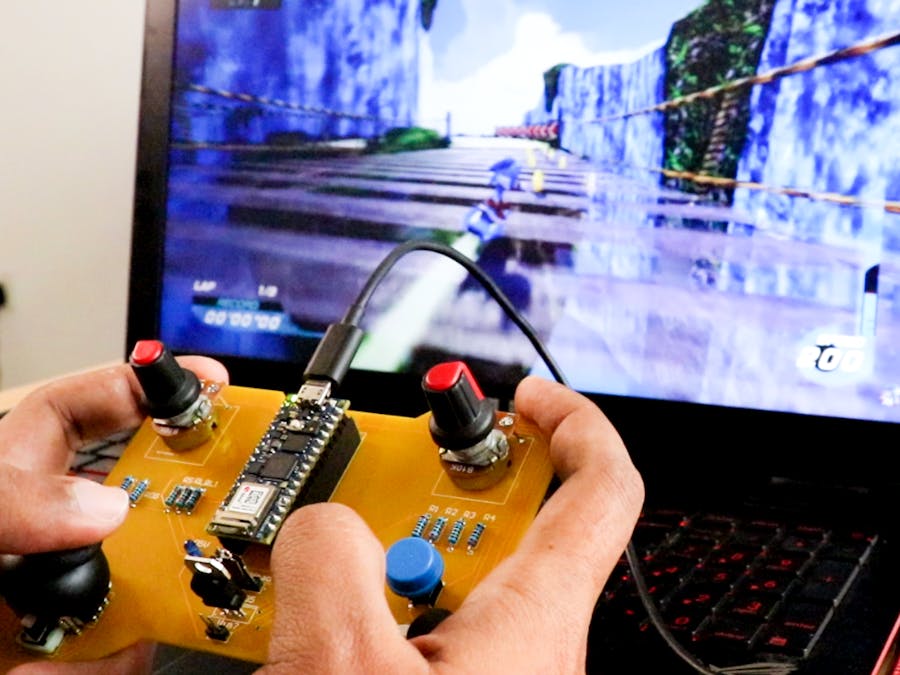
Students combine programming, electronics and product design to create handheld electronic games. A game that half-works isn’t fun, so students chase down every fault themselves until the controls feel right and the hardware holds up.
Class 4
Machines That Work
Students learn to solder and build permanent electronic devices that leave the breadboard behind. Projects now combine mechanical systems, electronics and software inside finished products designed to last.
Advanced
Ages 10–15Prerequisite: Intermediate or equivalent experience · Entry by application.
By this stage students can design circuits, program in multiple languages, build mechanical systems, create custom 3D printed parts and manufacture finished electronic products. The Advanced level focuses less on following instructions and more on solving meaningful engineering challenges.
Students learn to carry an idea from concept to finished prototype—planning it, budgeting it, building it, testing it and presenting what they learned along the way.

Track 01
Imagineer
Four classes, each focused on a different field of engineering. Within each one students build a range of projects—but the real goal is for them to start designing inventions of their own.
- Connected Devices
- Build internet-connected devices using the ESP32, Wi-Fi and mobile apps. Students explore home automation, wireless communication and cloud-connected electronics.
- Wearables & Portables
- Design battery-powered products that people actually carry and use. Students learn power management, compact design and enclosure development while balancing size, weight and battery life.
- Machines That See
- Using Raspberry Pi, Python and computer vision, students build systems that recognise objects, track movement and respond to what they see.
- Open Studio
- Students propose, budget, prototype and build a project of their own choosing over twelve weeks before presenting it at a public showcase.
Classes may be taken in any order, with Open Studio last.

Track 02 · In development
Roboticist
A dedicated robotics pathway covering drivetrains, autonomous navigation, sensors, competition strategy and engineering documentation. Designed for students interested in advanced robotics and competitive engineering challenges.
Start where they are
Book a trial class and we’ll place your child at the right level. No experience necessary, all materials provided.