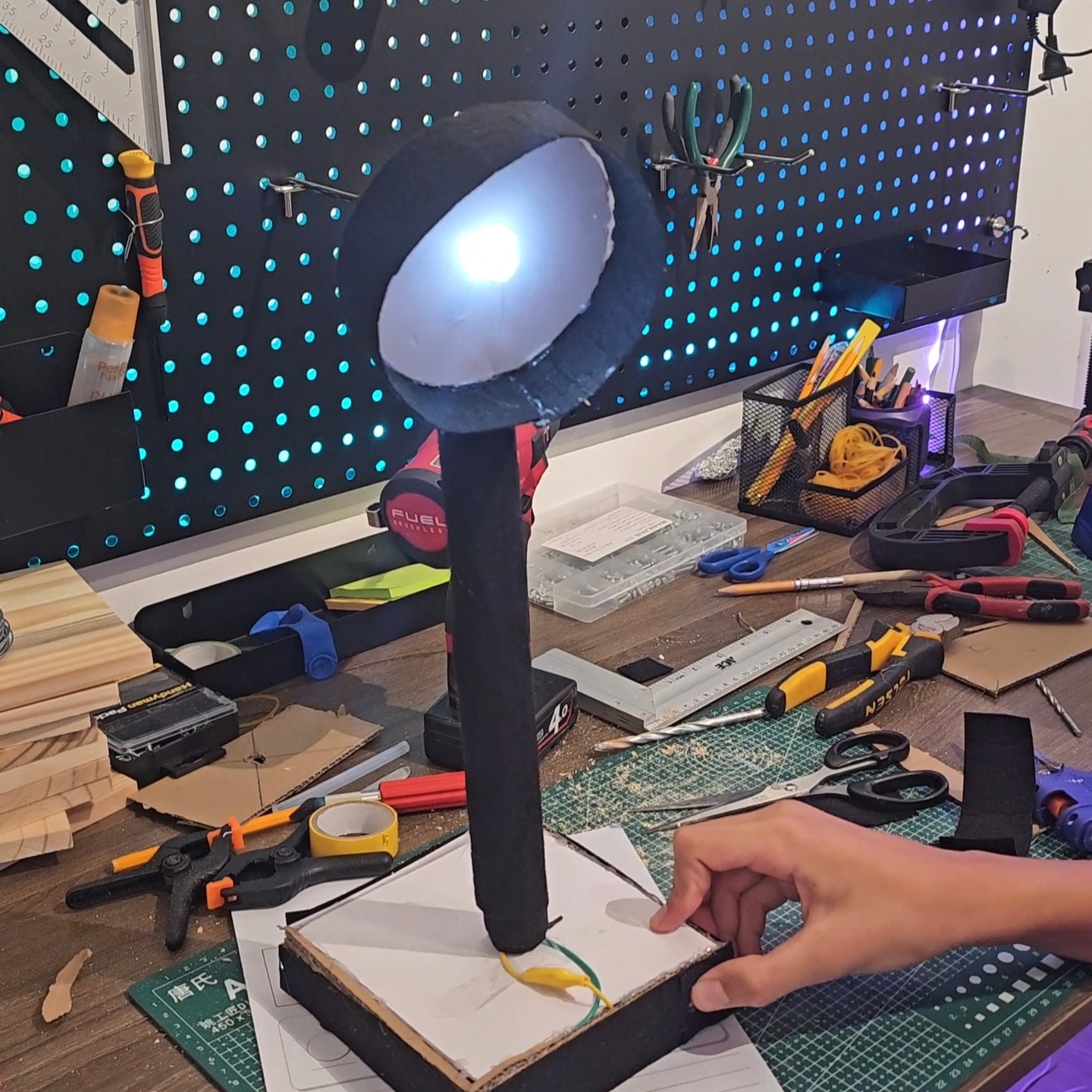
Flux can be programmed to do cool things — like opening a webpage or activating your lights – scroll to the bottom to find out how!
What is Quantum Makers Studio?
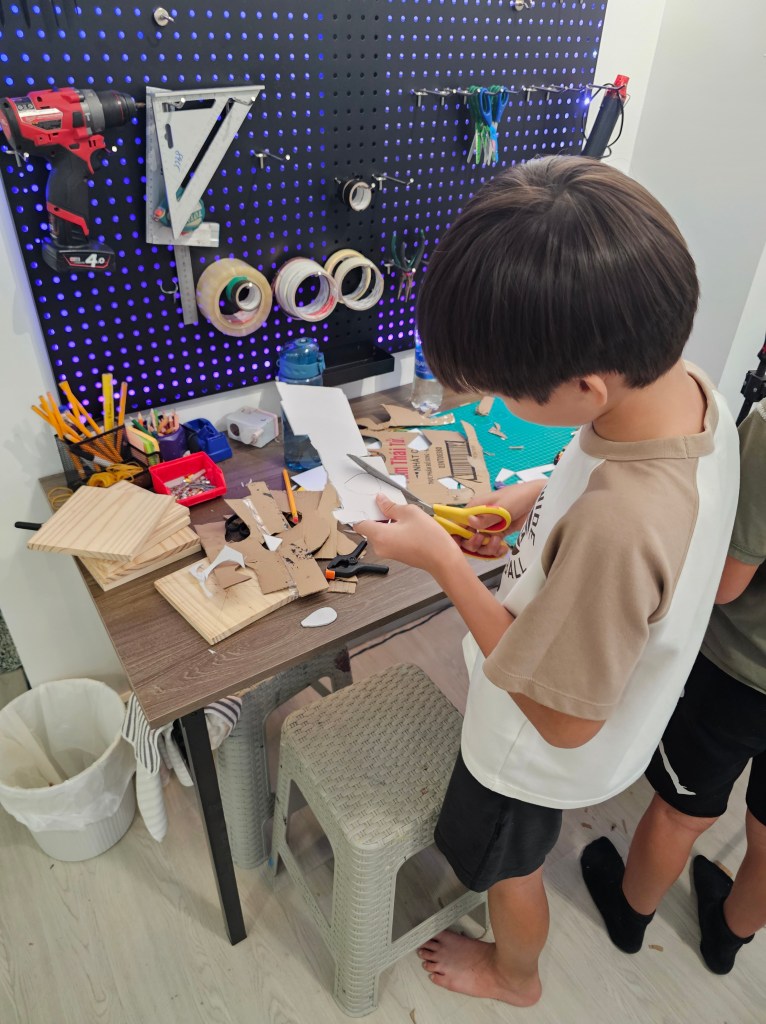
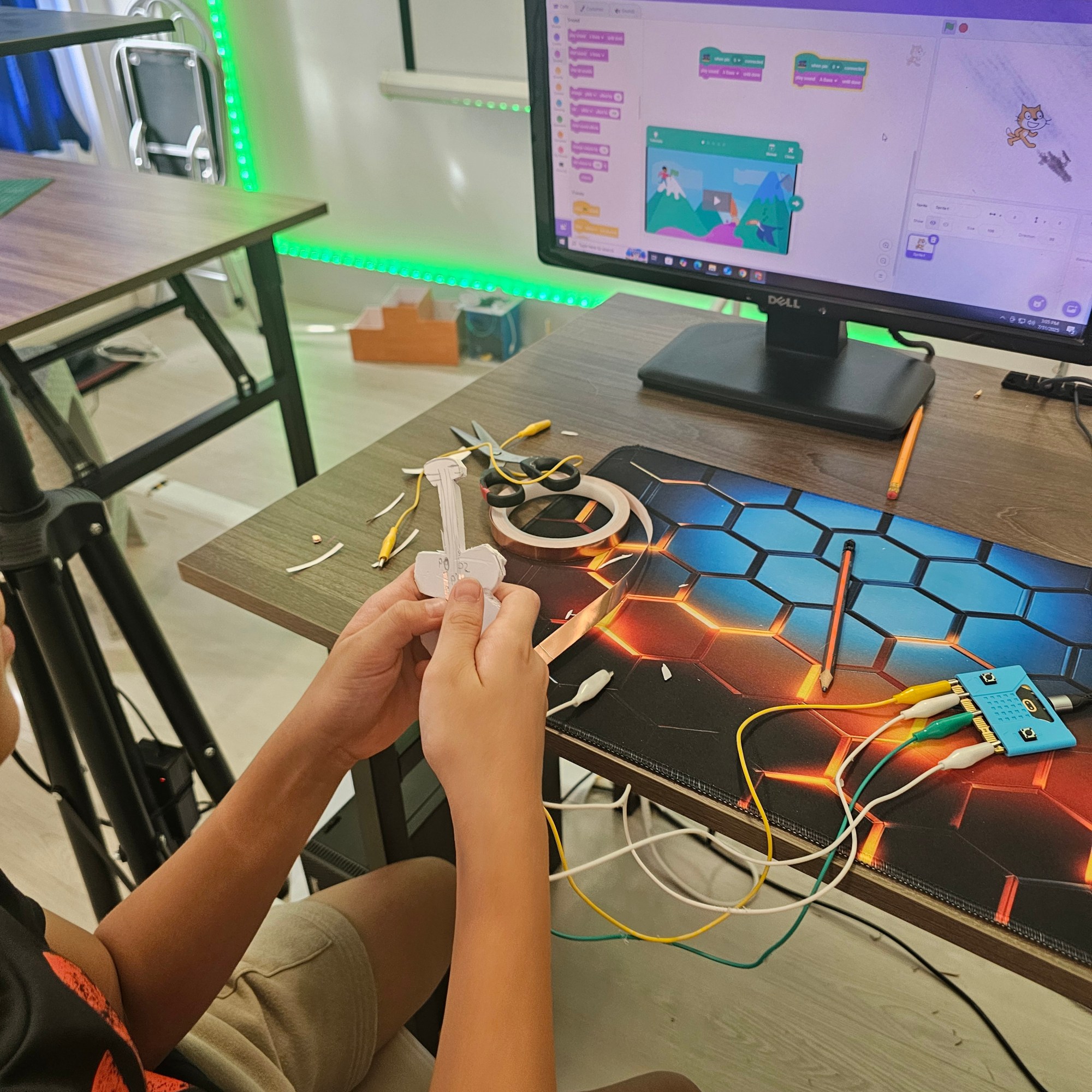
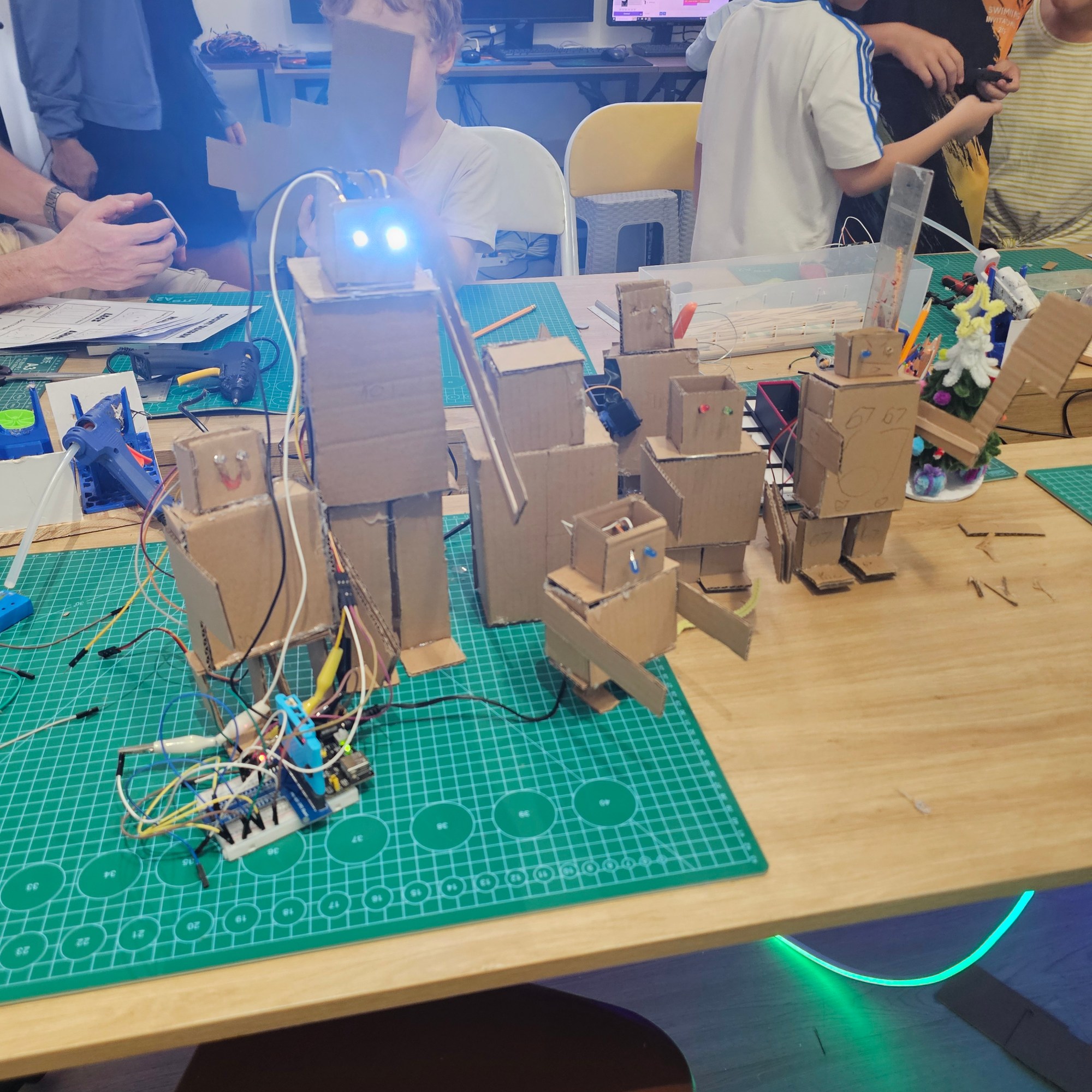
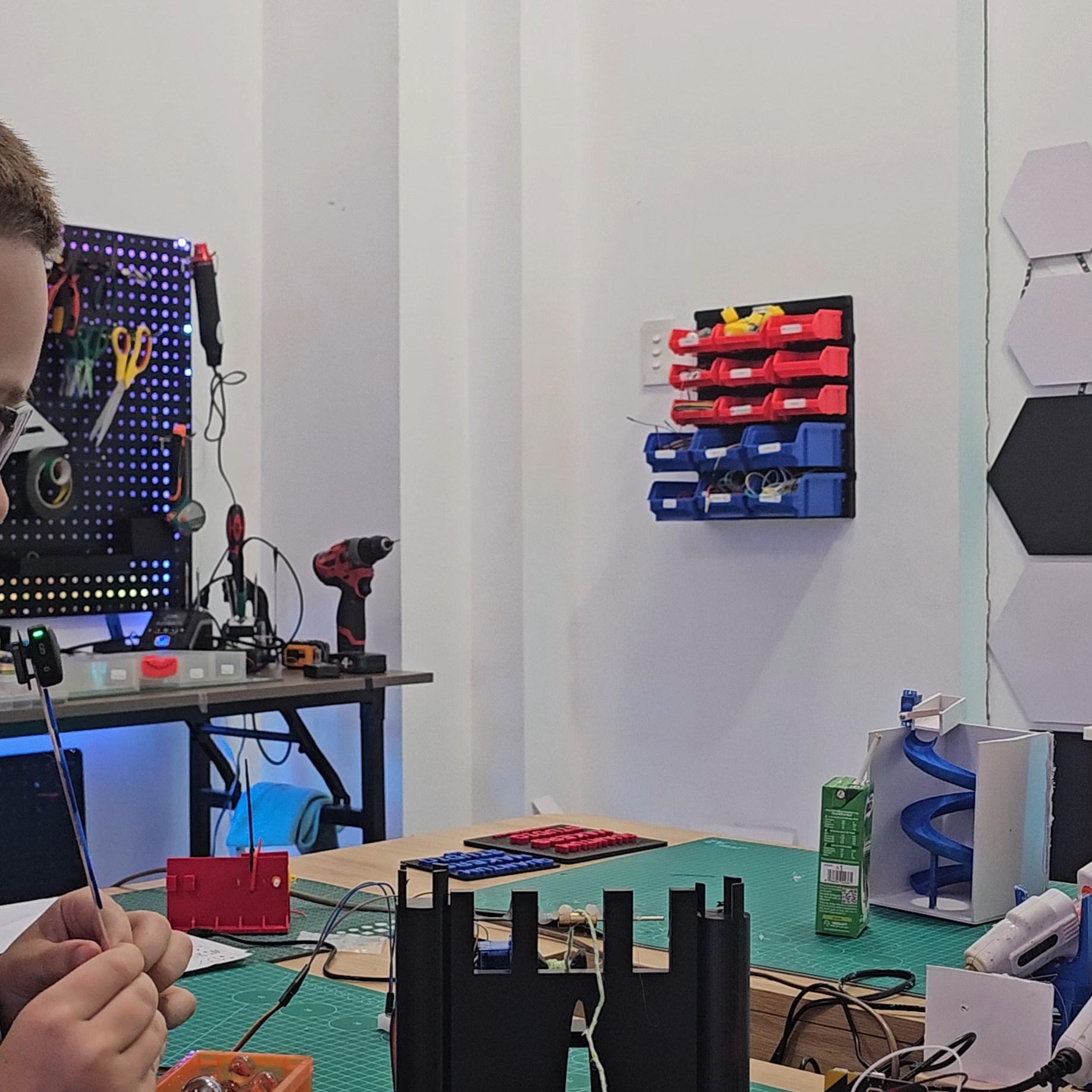
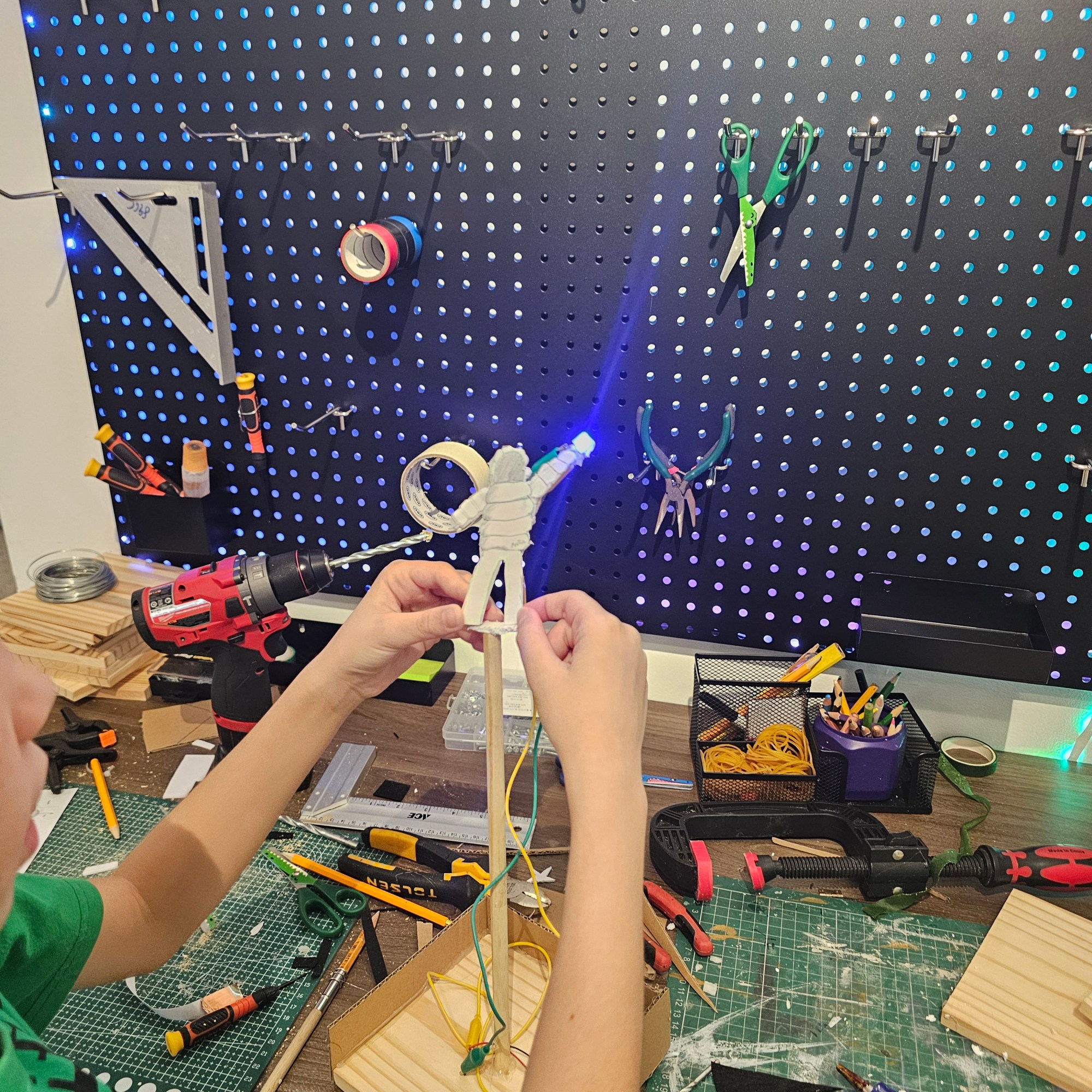
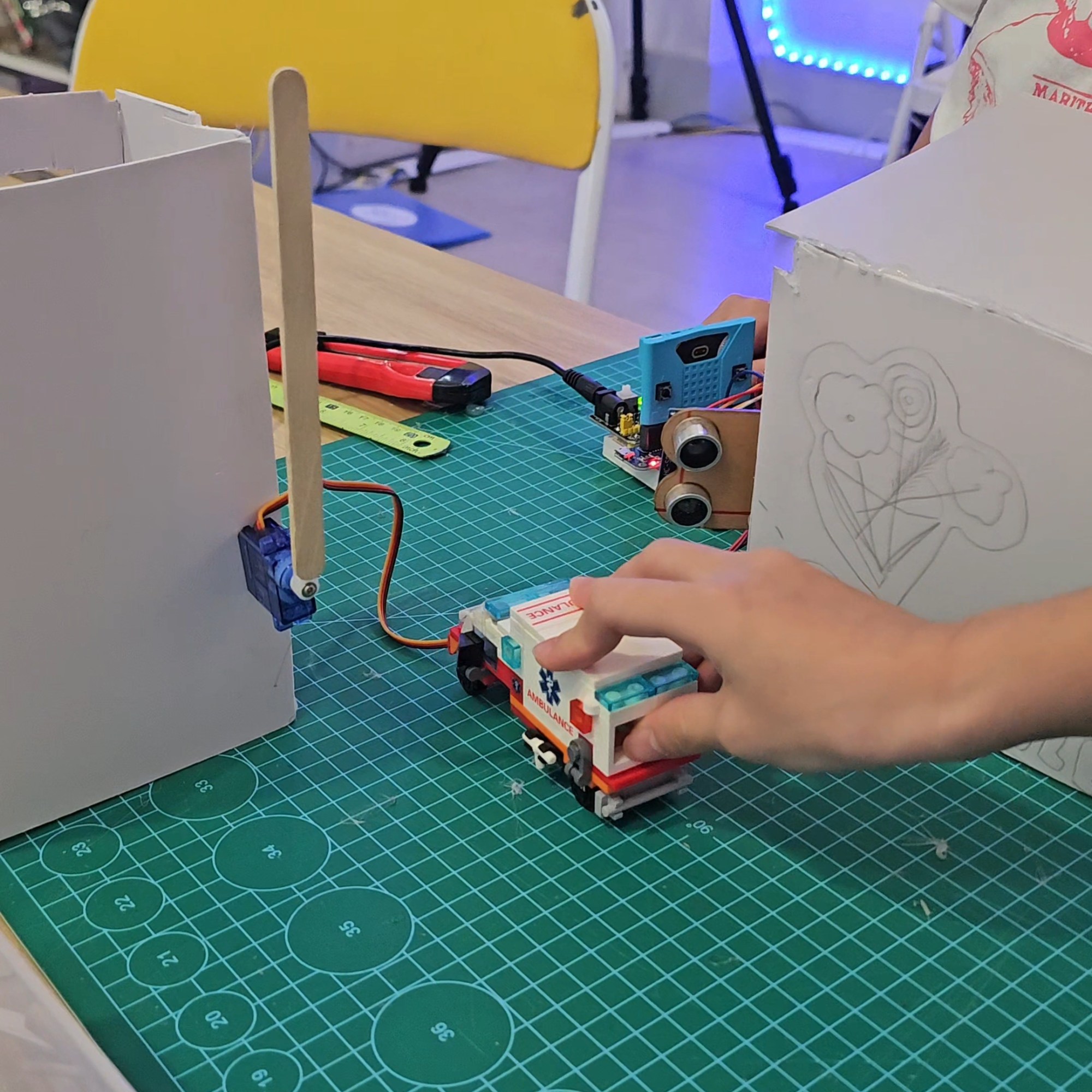
We’re a Makerspace in Thao Dien that run hands-on STEM classes where students build real electronic projects. Instead of relying on LEGO or other STEM kits, we focus on using regular materials like cardboard, wood, glue, and fomex.
Our classes involve 3D printers, breadboards, wires, sensors and components. We teach engineering and coding through project-based learning – check out our Instagram to see some examples!
We want students to learn how to fail so they can develop grit and confidence.

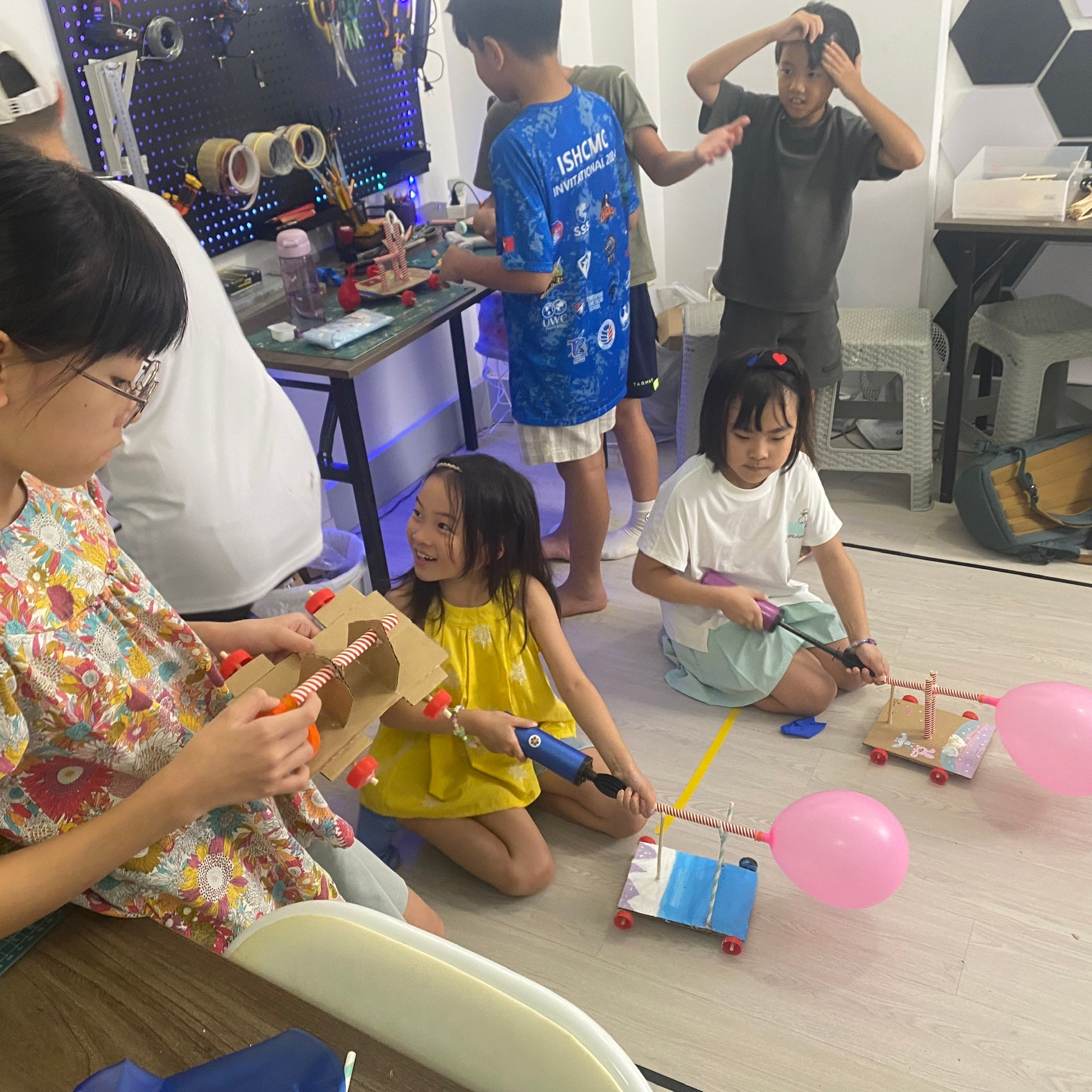
Check out some of our student projects below!

Free trial Class Invite
Interested in learning more? We’ll contact you to setup a free trial class! Feel free to check out our pages to learn more about our classes.
Your message has been sent

NFC Tag tips and tricks
Thanks for sticking till the end! To use the NFC tag for yourself, you first need to download an app like “NFC Tools”. Place the base of Flux on the NFC of your phone while using the app.
Then you’ll need to enter our password, “quantumflux” to open up the Read/Write access. (Other – Remove password – quantumflux)
From there, the sky is the limit!
- Open a website
- Business Card
- Play a sound
- With Automation (using If This Than That) – open/close smart lights at home!
(It may take a few times to unlock, depending on the app!)
 Quantum Makers Studio